Upload Profit and Loss, Balance Sheet
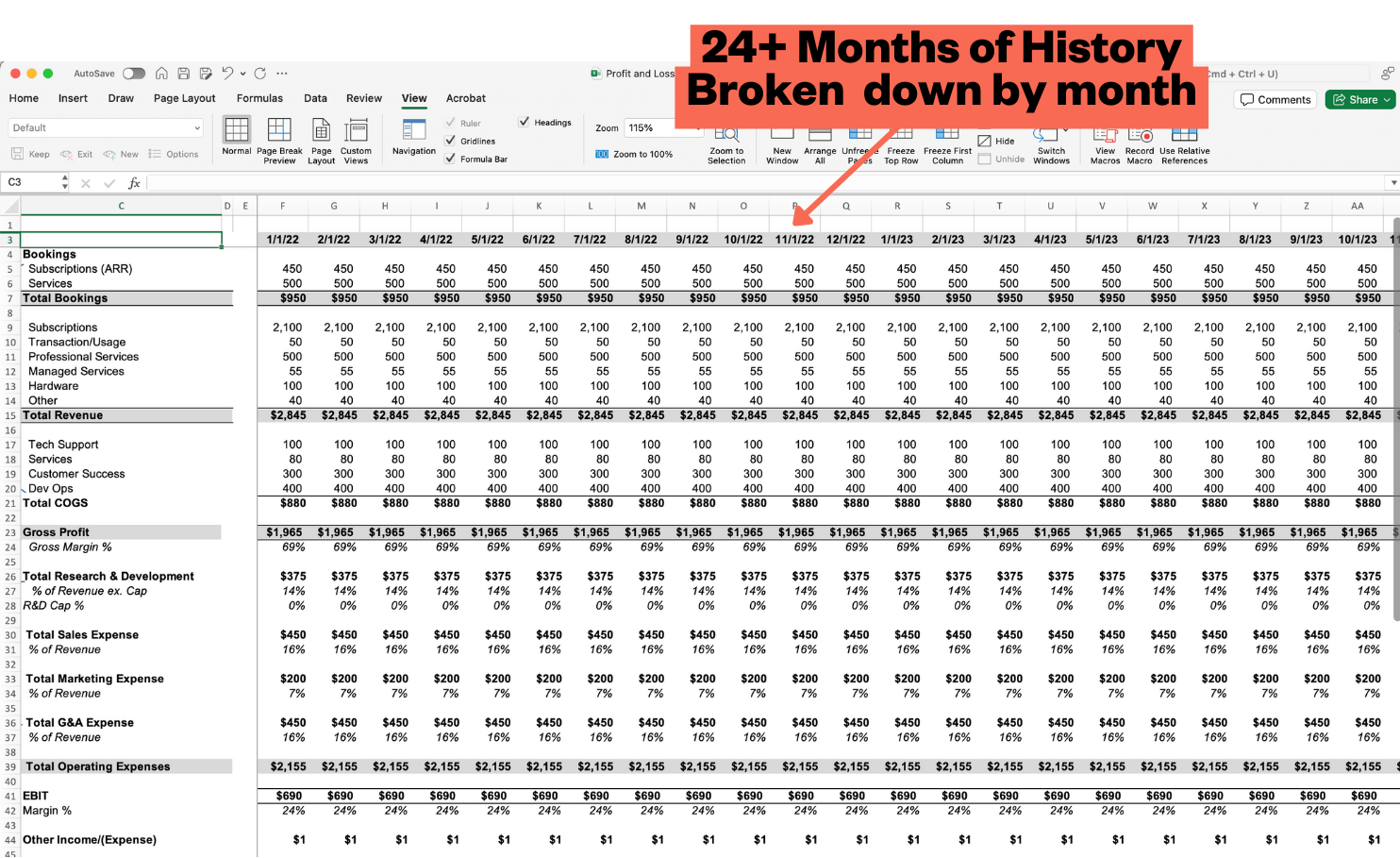
Upload in excel format, broken down by month, with as much history as you have
Written By Nathan Latka
Last updated Over 1 year ago
Click “Data Room” on the left navigation
Click “Upload”
Select a .csv or excel file to upload (Export from your quickbooks, xero, or other financial tool)
Common Issues:
Consolidated: Please share expanded versions with all rows included. Do not upload consolidated versions which make it hard for Founderpath to understand how your business works.
Was this helpful?
Still need help? Share an idea